Have any question?
Call (403) 210-2927

Call (403) 210-2927


Cybersecurity Awareness Month serves as a vital reminder that technical infrastructure relies heavily on human habits. A single compromised credential can expose your entire network to unauthorized access and operational downtime. Protecting company data is a shared organizational responsibility.
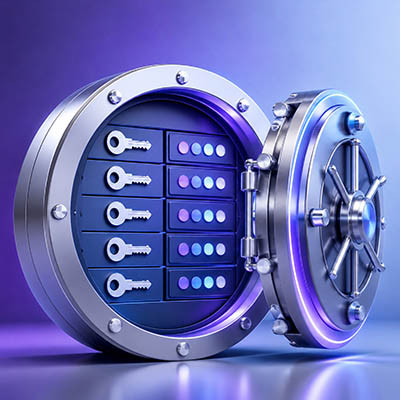
Managing hundreds of business accounts with complex, frequently changed passwords no longer protects your organization. In fact, forcing arbitrary symbol substitutions and constant resets creates predictable patterns that hackers easily exploit. Modern security relies on practical, long-term rules that safeguard data without slowing down daily work.
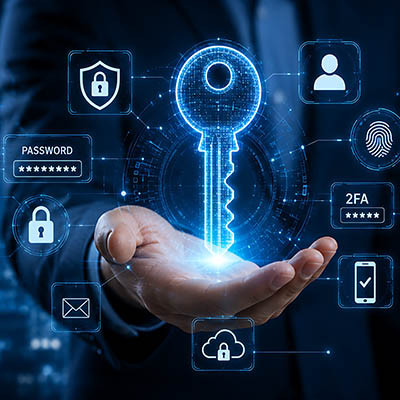
Every single day, your employees log into dozens of apps just to get their work done. When security policies demand a brand-new complex password for every single account, password fatigue sets in fast. People start taking dangerous shortcuts, leaving your entire business exposed to modern cyberattacks.
Password protection alone is no longer enough to keep your business data safe from modern cyber threats. Hackers use automated tools to guess weak credentials, and data breaches frequently expose corporate passwords online. If an unauthorized individual obtains login credentials for your company email or financial accounts, they can compromise your operations instantly.
Implementing multiple layers of verification is the most effective way to prevent unauthorized access and protect your assets.

There’s a misconception out there that younger workers, particularly Millennials and Gen Z, are more proficient with their technology compared to other generations. While they might have grown up using it, this experience doesn’t necessarily translate to proficiency. Assuming any one age group is more aware of cybersecurity is perhaps one of the most costly assumptions you can make.
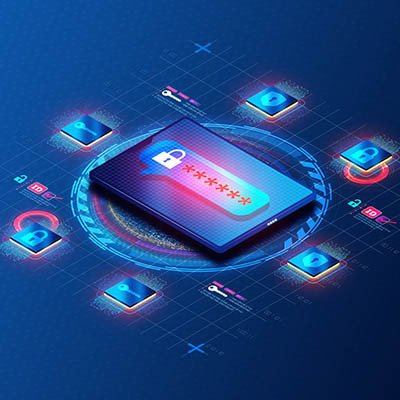
If you are a business owner, you probably manage hundreds of different online accounts. Yet, tech experts like me expect you to have a completely unique, random password for every single one!
It is a lot to handle. It is also a rule that every single person on your team needs to follow to keep your business safe. A password manager, which is software that stores your logins securely, is the easiest way to manage this requirement.

With over $101 million in jewelry stolen, the recent Louvre heist was a costly success for criminals. However, French publications suggest the thieves may have encountered less resistance than an organization of the museum's stature should provide, thanks to a documented history of severe cybersecurity vulnerabilities.
This history offers a crucial lesson for all businesses: Foundational security flaws can undermine even the most complex physical protections. Let's examine the documented oversights and what they imply about the museum's current security posture.

If your business’ technology seems to be a-okay, the thought of updating it may seem unnecessary. This is decidedly not the case. Updates are what keep your business functioning (and therefore, profitable), while every skipped update opens you up to vulnerabilities, bugs, and much more severe consequences when you experience a true threat.
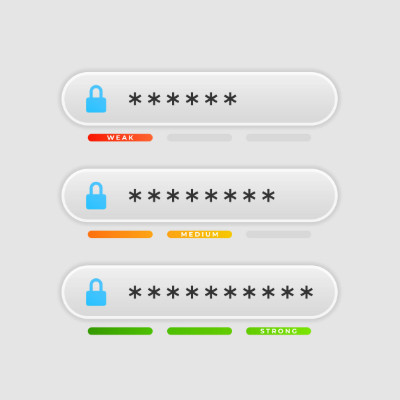
Quick—how many passwords do you have to remember? Chances are, it’s more than you might expect… especially when you factor in both your personal ones and those you maintain for your business.
After all, it is risky to the point of irresponsibility to repeat your passwords across accounts, especially those you maintain for your business. This kind of repetition can easily lead to financial losses and reputation damage, as it facilitates a data breach.

Business is filled with situations that can easily be turned into problems if they are not met with a proper solution. In some cases, it’s as simple as changing a course of action, but some problems are deep-rooted and need to be addressed aggressively. Technology can often be a business’ saving grace in such instances.
Let’s review some really bad scenarios that could be catastrophic, unless the right IT is in place.

Security is one of those things that every business owner worries about—no matter how big or small your company is. But the good news? It doesn’t have to be overwhelming. In fact, there are three simple steps you can take right now to make your business more secure.

In this blog and our conversations with clients, we frequently discuss the importance of protecting accounts with complex and unique passwords and multi-factor authentication. These actions are crucial, but there is a tool out there that can really improve any business’ account security: the password manager.
Today, we’ll discuss the password manager and why it is such a great tool for keeping passwords complex and secure.
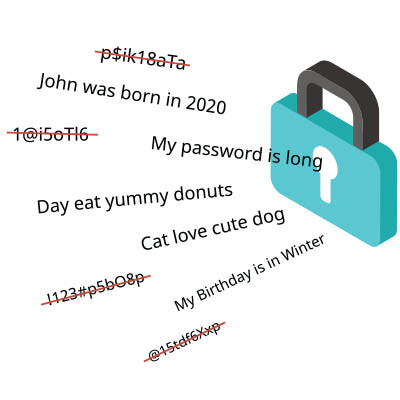
Strong passwords are extremely important these days. Cybercriminals only need low-end hardware to crack millions of passwords at once, so it's critical to use random, complex strings of characters.
The bigger problem most users have is using unique passwords for each and every account. Any account is liable to be compromised at any given time, and you might not even know about it. If your password is compromised, the bad guys can use it to access all of your other accounts.
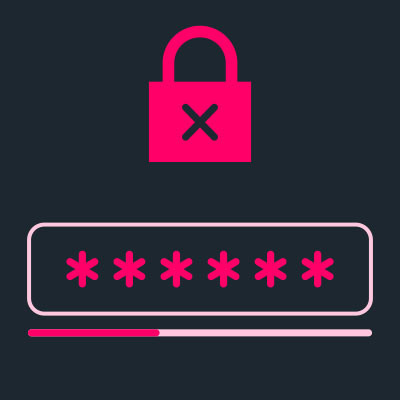
No one actually likes to talk about password security, but it’s incredibly important to the ongoing security of your business. If you or any of your employees are using any of these commonly used passwords, then read on; you’re someone who desperately needs to reconsider their password policies.
Password management is always a sticking point for businesses (and even individuals), but it doesn’t have to be as hard as you make it. With the increased risk of cybersecurity attacks and advanced threats, you cannot rely on one singular password as you may have once done. Instead, you need complex passwords housed in a password manager that makes remembering your passwords significantly easier.
Passwords are the main line of defense between your data and the myriad of people who want to use it for their own benefit. Knowing the major threats is important with so much pressure on your passwords. Today, we’d like to provide a cheat sheet to help you manage your passwords more effectively.
Weak passwords are one of the leading causes of cybercrime, identity theft, and data breaches. Sure, it’s easy to say it, but this time we wanted to demonstrate just how easy it is to crack a wimpy password.
Uh oh. You were trying to be more secure and decided to set up multi-factor authentication. However, you’ve just discovered how important the other factors are when it comes to authenticating your identity. Yes, you’ve found yourself unable to access your means of authenticating yourself.
So…what do you do now?
In August, LastPass suffered a data breach that allowed hackers to access the LastPass source code. Let’s take a look at this situation and see what you need to do to maintain proper password security moving forward.

We’d be the first to admit that, as much as we’d recommend that you use multi-factor authentication wherever it is available, MFA isn’t perfect. This makes the idea that an improvement to these methods is on the horizon an intriguing one. Let’s discuss what may become the new and improved standard fairly soon.
Interested in seeing what we can do for your business? Contact us to see how we can help you!
Our network assessment will reveal hidden problems, security vulnerabilities, and other issues lurking on your network.
Learn more about what OnSite I.T. can do for your business.
OnSite I.T.
429 14th St. N.W. #104
Calgary, Alberta T2N 2A3